
Guest invites & RSVP
Guests are invited by email, one at a time, or all at once by importing a CSV of names and addresses. Each guest gets their own invite link tied to a private RSVP token, so they don't need a Teufli account or password to respond.
Responding to an invite
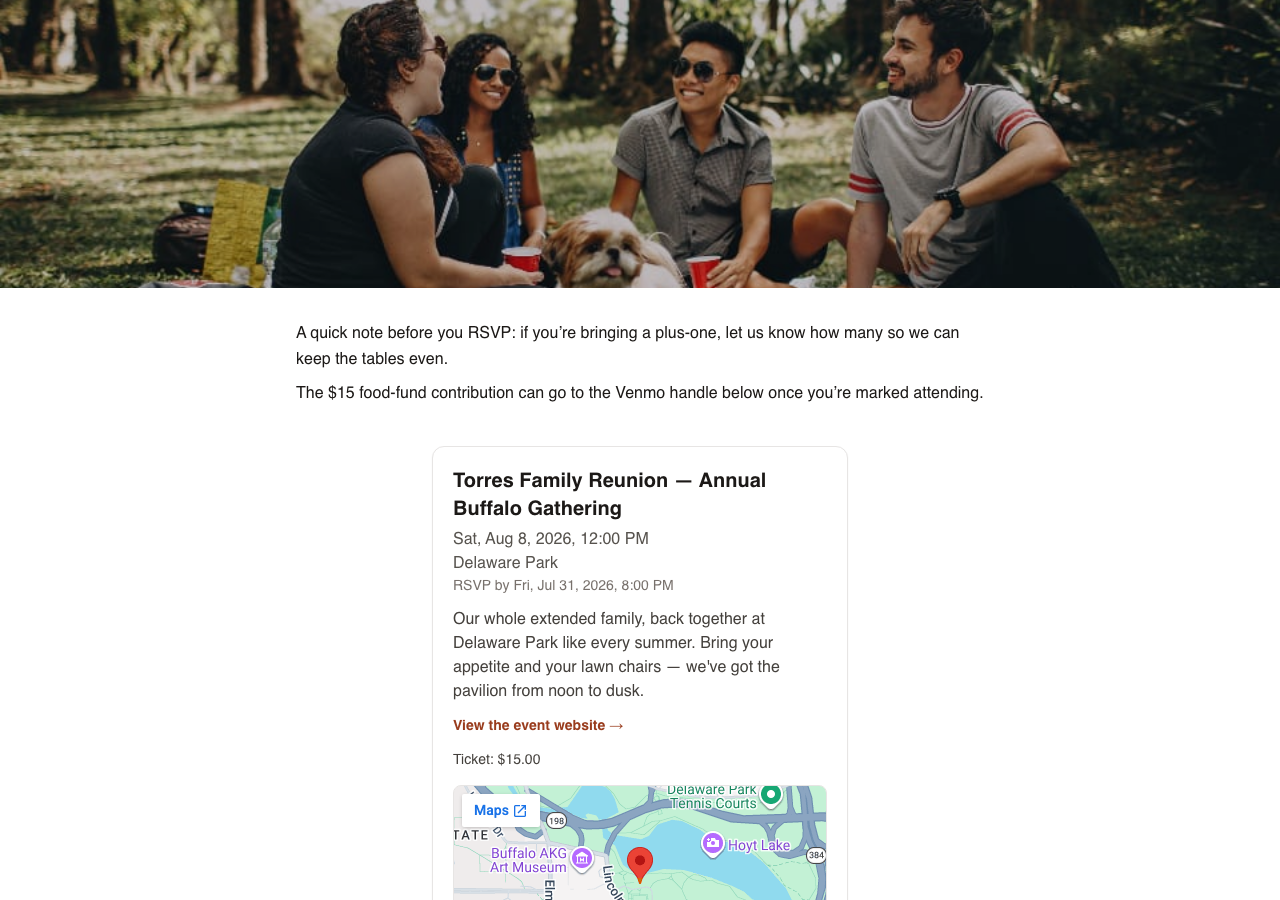
A guest opens their invite link, reads the event details, and RSVPs yes, no, or maybe. If the host has set an RSVP deadline, guests see it on the page. Guests can update their response any time before the event.
Tracking responses
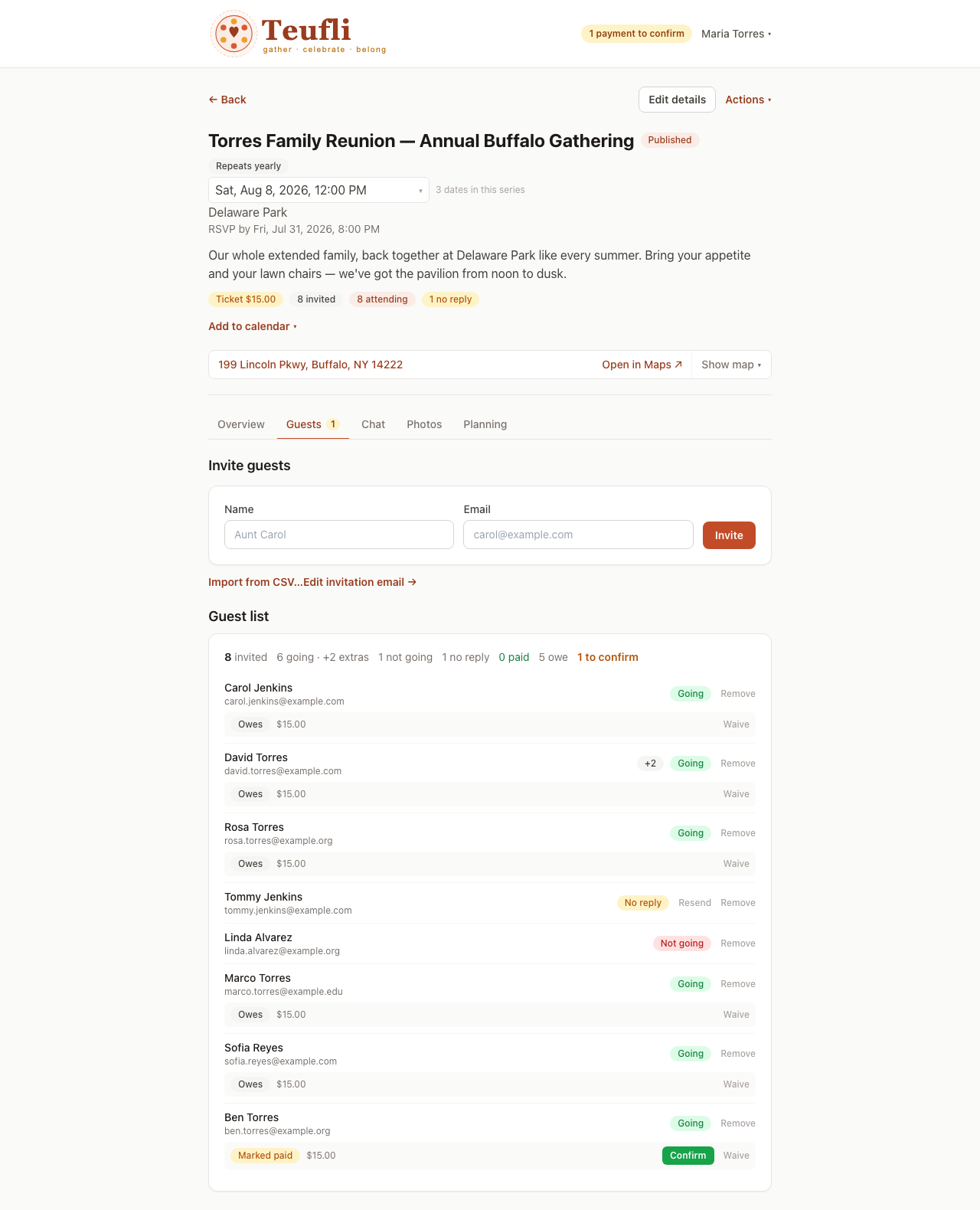
Hosts see the full guest list and RSVP status in one view: who's coming, who hasn't responded, and who declined, without needing to cross-reference a spreadsheet.
Reminders
Guests get event reminders by email, and by text message too if they opt into SMS when they RSVP. See Calendar & reminders for details.
Ready to try it?
Log in to Teufli